




















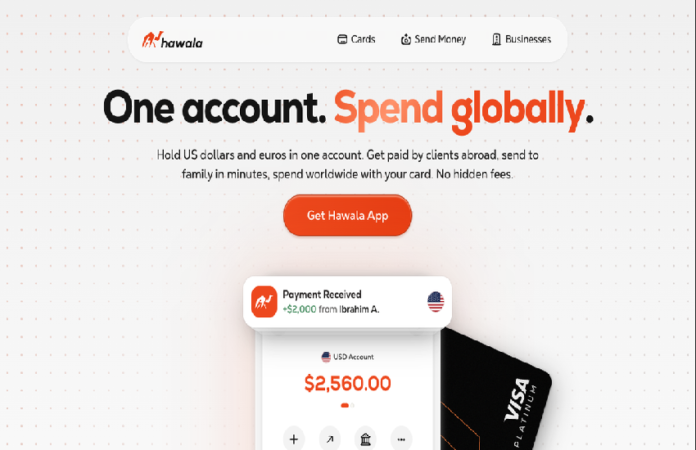
Hawala App is a digital payment service that offers a virtual Visa card for online spending. It is designed for online subscriptions, advertising payments, and general e-commerce transactions.
Users can create an account, activate a virtual card, and use it for global online payments where Visa is accepted.
Key Features
- Virtual Visa card for online payments
- Supports subscriptions and digital services
- Online shopping and ad payments
- Mobile-based account management
- Instant card usage after approval (as per platform flow)
Download Links
- iOS: Hawala iOS App
- Android: Hawala Android App
Registration / Sign-Up Process
- Download the app from the official link above
- Open the app and start the registration process
- Enter your basic personal details (name, phone number, email if required)
- Verify your phone number via OTP
- Complete any required identity or profile setup (if prompted)
- Create your account and log in
- Request or activate your virtual Visa card from the dashboard
Referral Program
- Use referral code: FU10X3NT
- Benefits (as provided in the referral offer):
- Skip waitlist during registration
- Receive $5 bonus credit after successful signup (conditions may apply depending on app policy)
How to Use the Referral Code
During signup:
- Look for the “Referral Code” field
- Enter: FU10X3NT
- Complete registration normally
The system should apply the referral benefits automatically if eligible.
Summary
Hawala provides a simple way to access a virtual Visa card for online payments. With quick registration and a referral incentive, it is aimed at users who need international payment options for digital services.